← All access options
Planned display access
Apple TV
Extend the large-screen monitoring experience to the Apple TV environment.
Discuss your access needs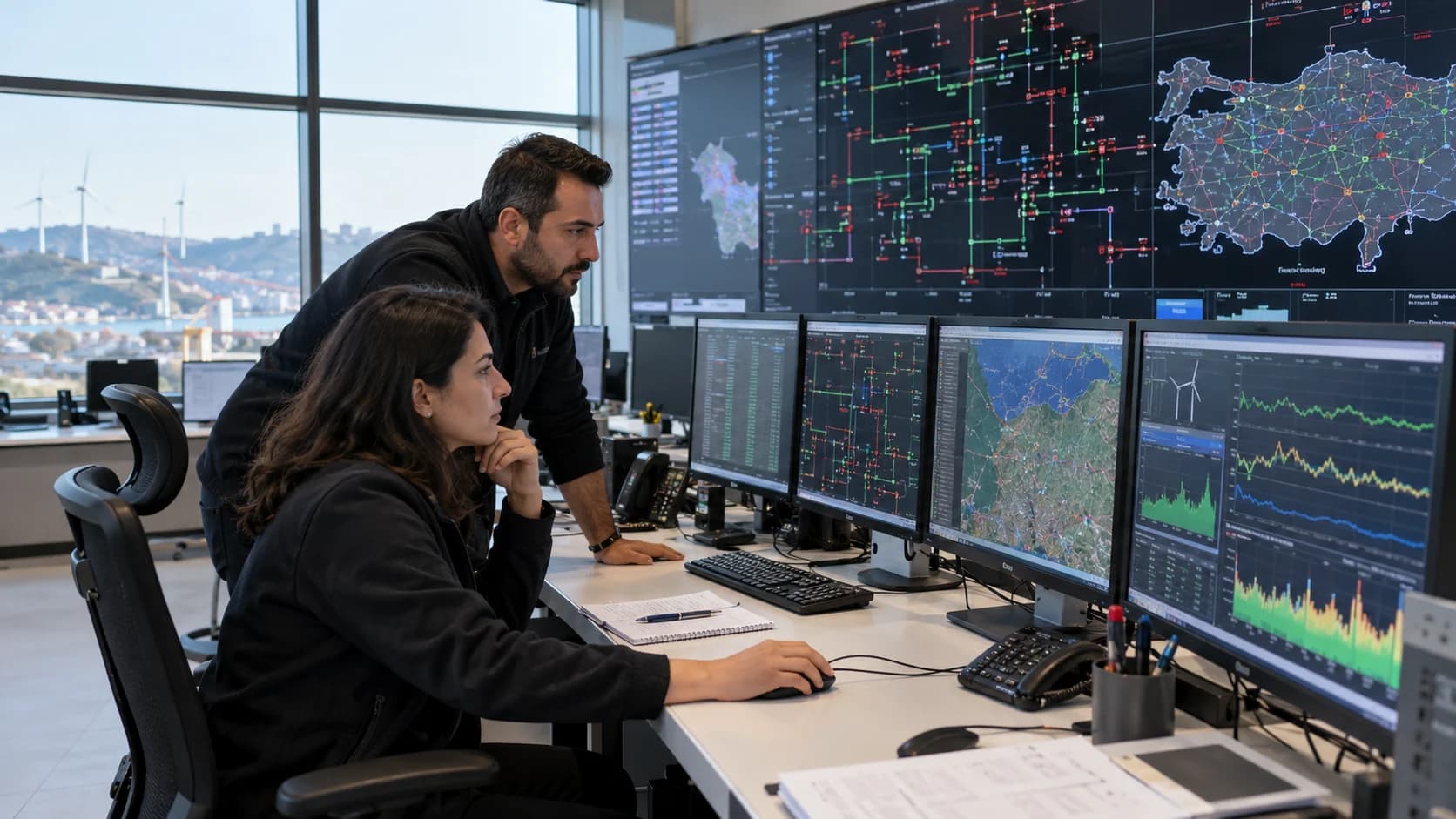
- Who it is for
- Teams using Apple TV in offices and control rooms
- What you can do
- Target: dashboards and active alarms on a shared display
- Connection
- Target: approve screen pairing from a phone or browser
- Availability
- Apple TV is a planned access surface; supported devices and distribution will be defined with the product scope.
A practical way to work
A consistent display experience
Target the same dashboard and active-alarm use cases across Android TV and Apple TV.
Use your existing workspace
Plan a display experience around the dashboards and account permissions already used by your team.
Define your screen requirements
Specify the display location, dashboard rotation, remote-control navigation and alarm-sound needs for the Apple TV rollout.
Getting started
- Share your Apple TV device and display use case.
- Define the dashboards and alarms to show.
- Confirm compatibility and release availability before rollout.