Enlogy access and integrations
One platform. The right access for every team.
Use Enlogy through the web, AI assistants, your phone, shared screens and connected applications. Choose the experience that fits the task while keeping the same data and account permissions.
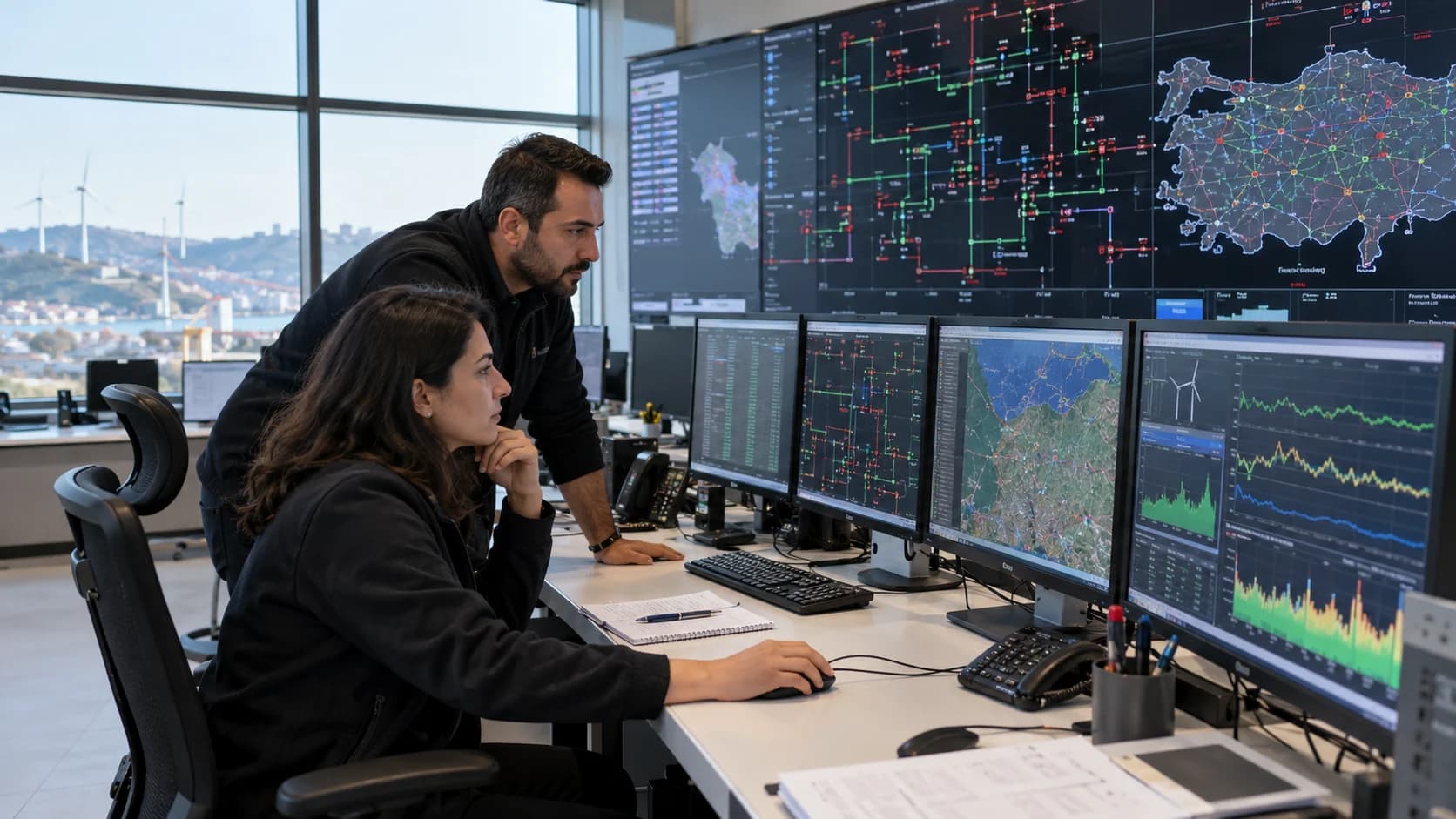
Browser access
Web portal
Bring panels, alarms, analytics, reports and administration into one browser workspace.
Web portal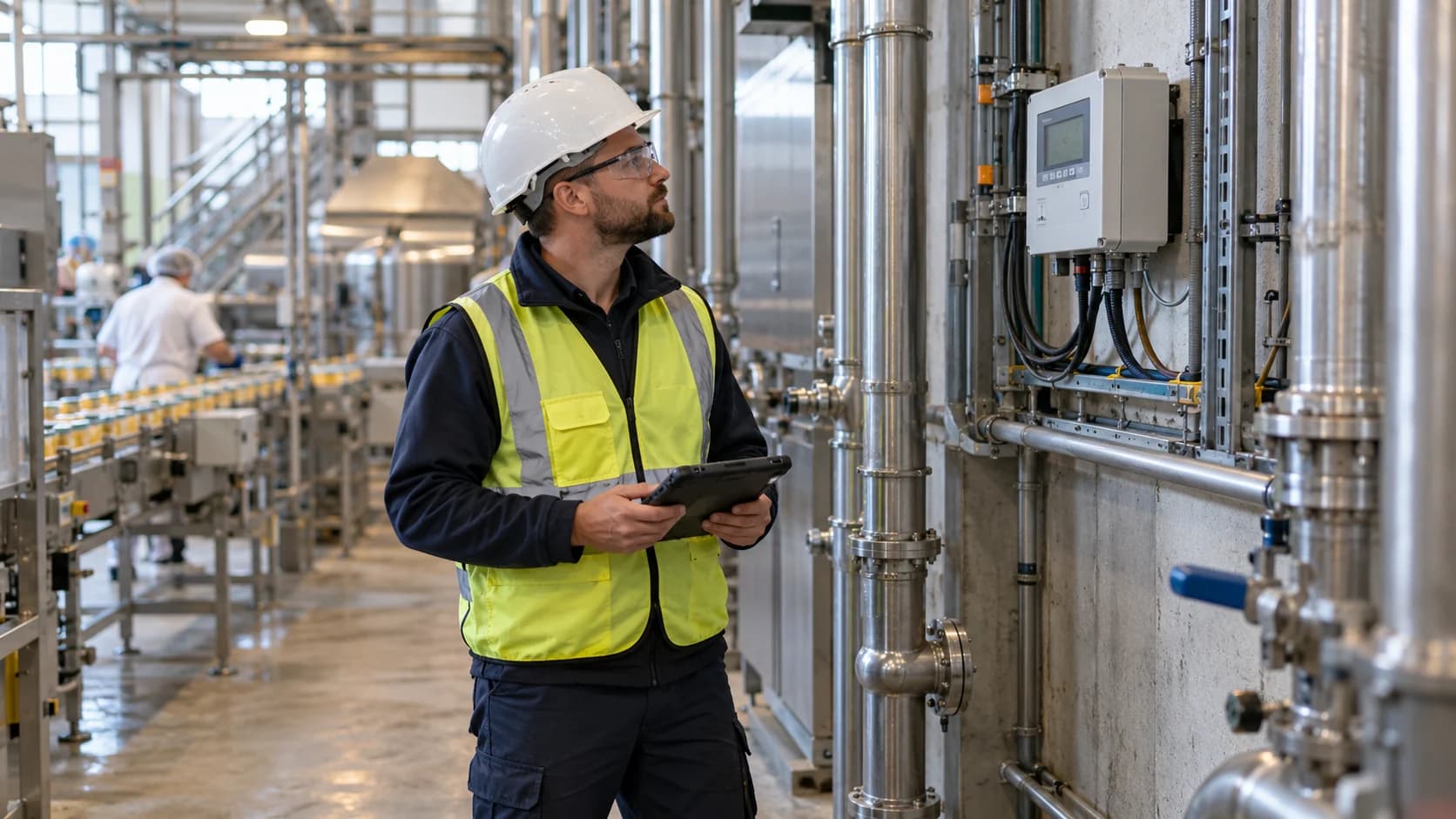
AI connectivity
MCP connectivity
Connect approved AI assistants to Enlogy data through a common, permission-aware interface.
MCP connectivityConversational access
ChatGPT and Claude
Ask questions about your energy operations in natural language and turn Enlogy results into clear explanations.
ChatGPT and Claude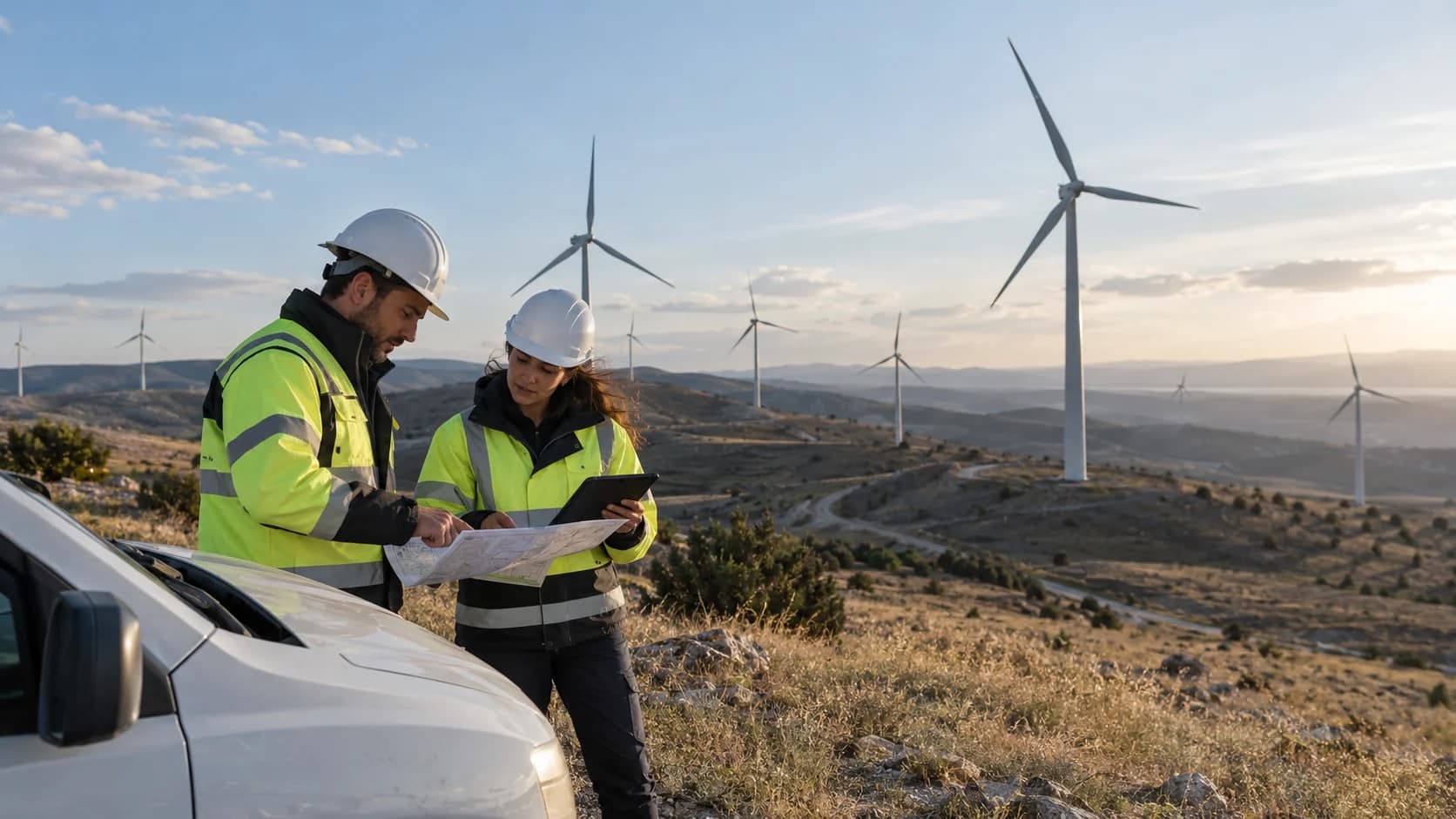
On the move
iOS and Android mobile access
Follow your panels, view published reports and explore analytics from your phone.
iOS and Android mobile accessShared large screens
Android TV and Google TV
Keep dashboards and active alarms visible on a wall display in the control room or office.
Android TV and Google TVPlanned display access
Apple TV
Extend the large-screen monitoring experience to the Apple TV environment.
Apple TVFor connected systems
API access and system integration
Bring Enlogy information into enterprise applications, reporting tools and approved integration workflows.
API access and system integration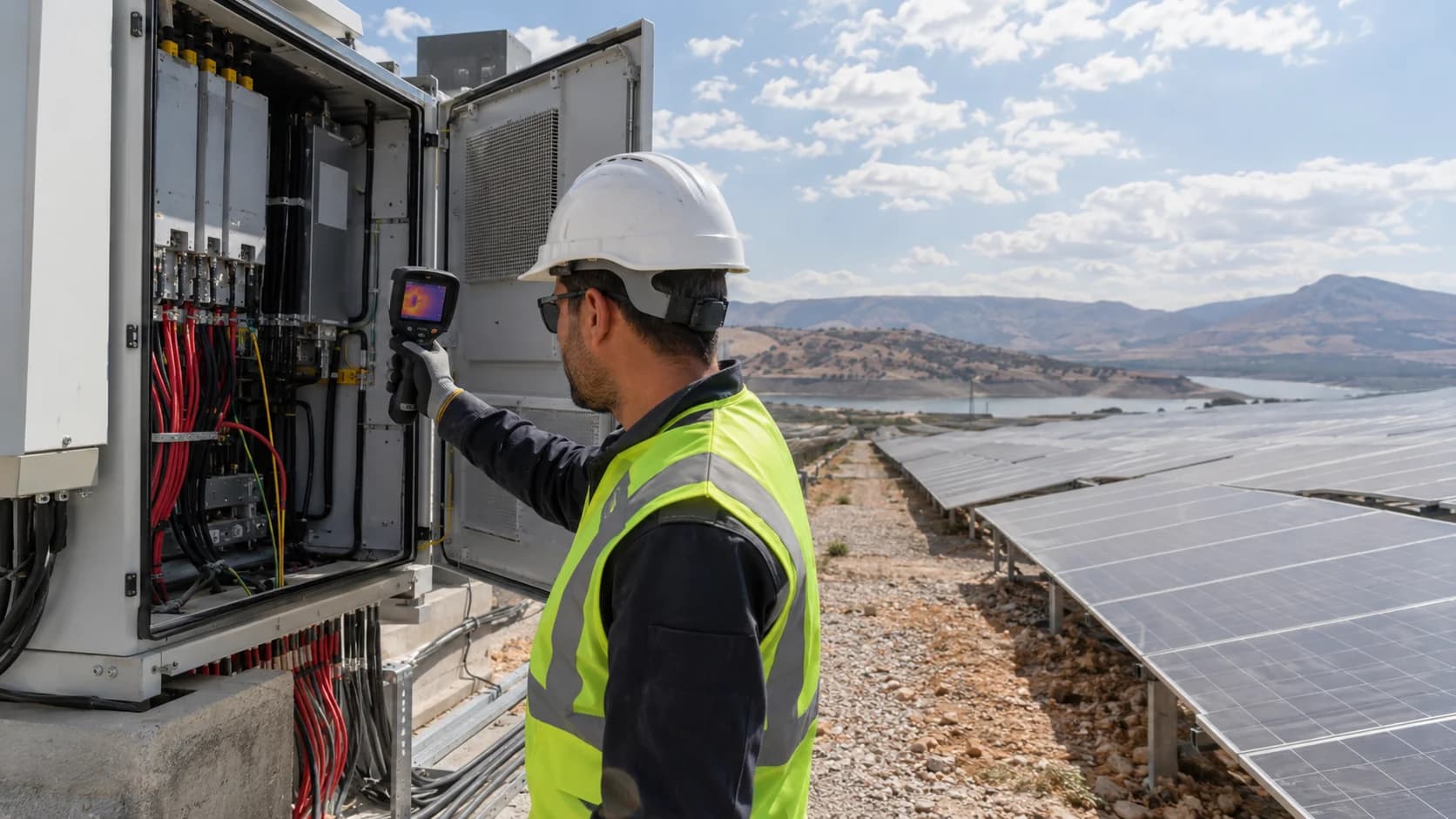
Reach your team
Notifications, reports and sharing
Deliver alarms and reports through the channels your team uses, with recipients and delivery scope under control.
Notifications, reports and sharingChoose by task, not by screen alone
A browser, a conversation and a wall display serve different needs. Match the access surface to the work your team needs to do.
| Access surface | Best suited to | How you connect |
|---|---|---|
| Web portal | Monitoring, analysis, reporting and authorized administration | Your Enlogy account and assigned permissions |
| MCP connectivity | Operational data, historical analysis and report discovery | Enlogy sign-in and explicit connection consent |
| ChatGPT and Claude | Questions, comparisons and explanations based on authorized data | Your own Enlogy account through the approved connection |
| iOS and Android mobile access | Panels, published reports and guided analytics | Your organization code and Enlogy account |
| Android TV and Google TV | Dashboard rotation and active alarm viewing | Pair the screen using a QR code or a short link |
| Apple TV | Target: dashboards and active alarms on a shared display | Target: approve screen pairing from a phone or browser |
| API access and system integration | Authorized data exchange and application integration | Credentials and permissions defined for the integration |
| Notifications, reports and sharing | Alarm delivery, scheduled reports and file sharing | Authorized recipients and configured destinations |
The same operating context, wherever you work
Consistent information
Panels, analyses and reports use the same resource definitions, units and time context.
Access follows your account
Changing device or assistant does not widen the organizations, plants or data you may access.
Designed for the job
Use the web for a complete workspace, mobile for focused access, AI for questions and TV for shared visibility.
Questions about access
Do I need a different account for every device?
Access is tied to your Enlogy account and the installation that serves your organization. The connection flow differs by surface, but your assigned permissions remain the basis.
Can every access option perform the same actions?
Each surface has its own purpose. Mobile focuses on panels, reports and analysis; TV focuses on dashboards and alarms; an AI connection supports questions and explanations. Administration and operational actions require their appropriate permissions and workspace.
Are all devices and app-store releases available today?
Availability depends on the product, device and installation. Confirm the supported release before rollout; Apple TV is currently a planned access surface.