← All access options
Shared large screens
Android TV and Google TV
Keep dashboards and active alarms visible on a wall display in the control room or office.
Discuss your access needs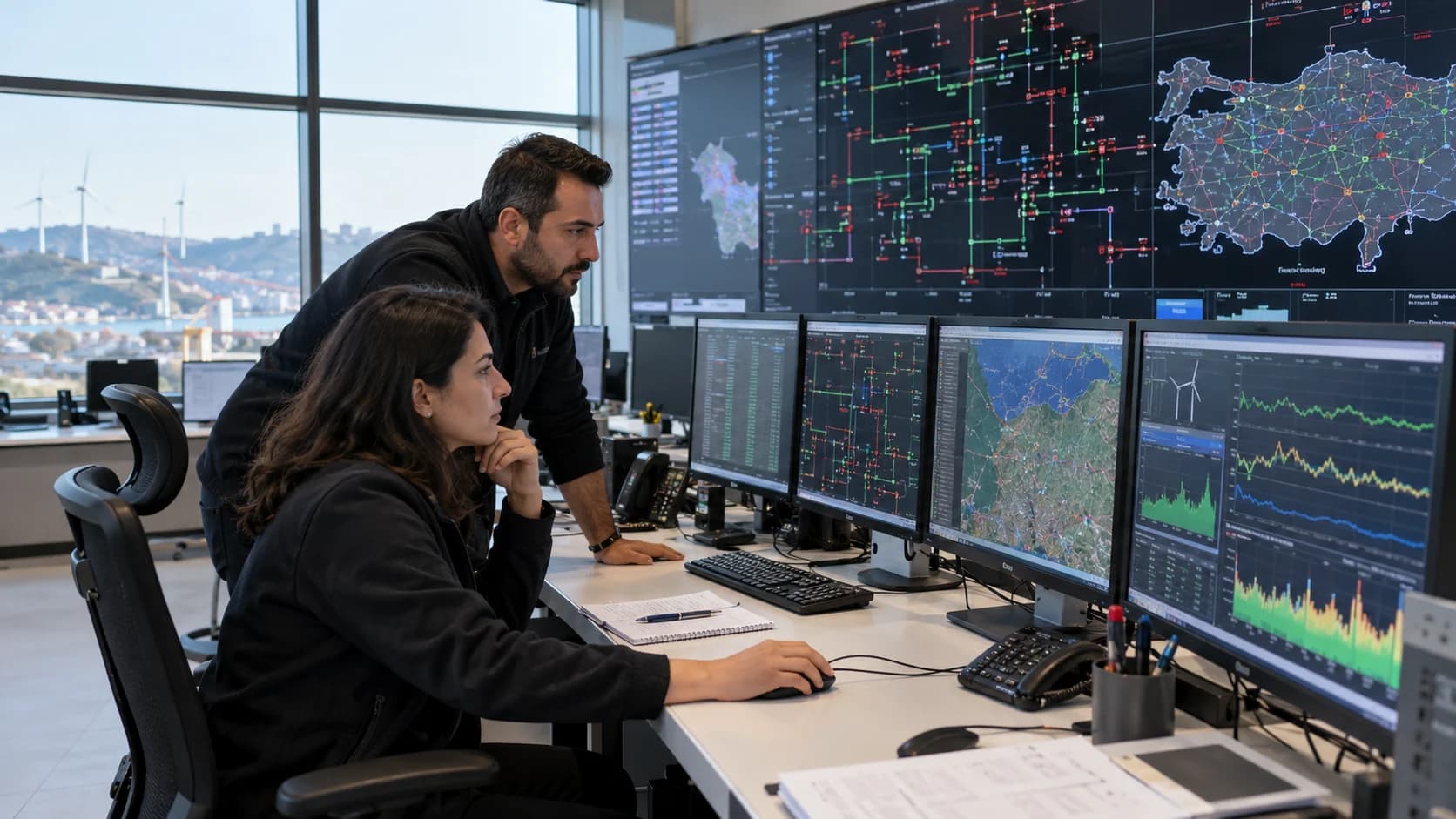
- Who it is for
- Control rooms, operations teams and shared workspaces
- What you can do
- Dashboard rotation and active alarm viewing
- Connection
- Pair the screen using a QR code or a short link
- Availability
- Enlogy TV is available for dashboards and active alarms on supported Android TV and Google TV devices.
A practical way to work
A view made for distance
Present selected dashboards as large-screen panels and rotate between views without a desktop layout.
Alarms stay visible
Show active alarms beside the operating view; choose whether new alarms should also play a local sound.
Pair without typing a password on TV
Approve the screen from your phone or browser using the displayed QR code or short link.
Getting started
- Open Enlogy TV on the supported television device.
- Scan the QR code or open the displayed link and approve the screen.
- Choose the dashboards and alarm presentation for that screen.